Hour19 Matrix Primer
-
You'll need a client.
Element
has mobile and desktop apps and that's what I'll focus on for this guide.
For other clients see this page:
https://matrix.org/clients/
-
Open your client (Element).
There will be a page to sign in / create account.
You'll need to create an account.

-
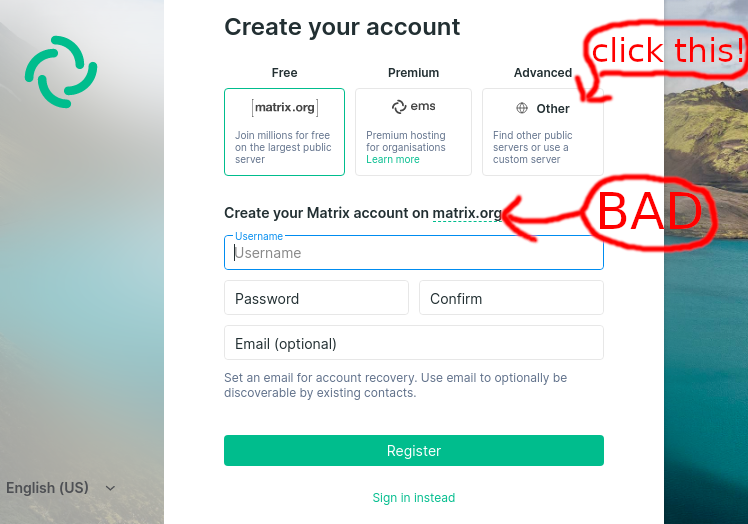
You DO NOT want to sign into "matrix.org" or anything similar. Find the option that
says something like "use a custom server", which may be the "advanced" option.
If the sign in page contains a box for "homeserver URL" or similar, skip this step.
-
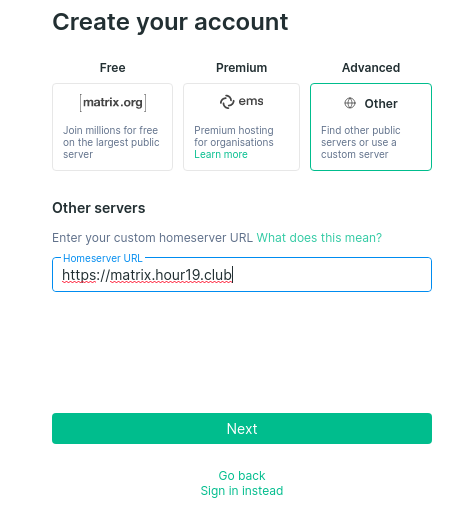
Enter "https://matrix.hour19.club" as the homeserver URL (that's the address of this page!).
I always enter the "https://" but depending on your client it may not be necessary (it IS
necessary in the Element app as of 20 Nov 2020).
-
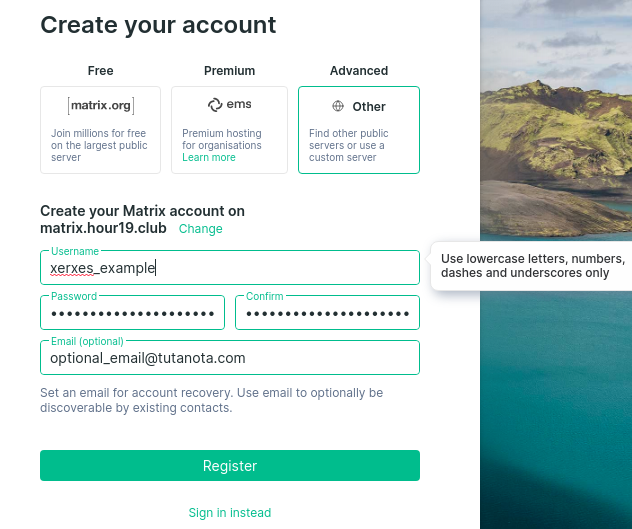
Choose a username and password. The username you choose can be anything, you only have to
worry about conflicts with other people on THIS server (e.g. my username is "xerxes" even
though that would be taken on most other sites). You don't have to enter an email, but if
you do you will be able to change your password if you ever forget it. If you enter an email
please check your spam folder for the confirmation email, it will come from "hour19.club.mail@gmail.com"
which looks sketchy, and be prepared to wait a few minutes.
-
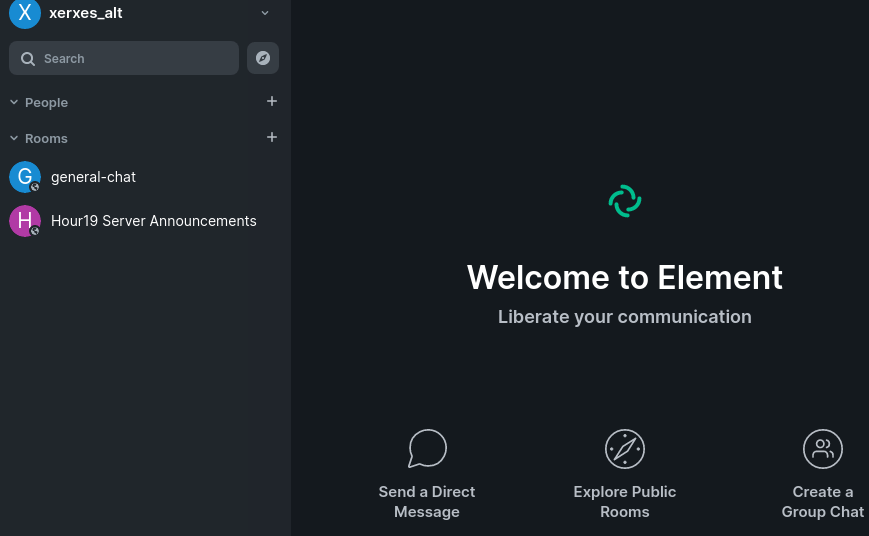
That's it, you're account is created and you may be automatically signed-in. Remember that when you sign
in on other devices you'll need to sign into "https://matrix.hour19.club", the options will look very similar
to how they looked when creating an account. You can switch clients freely without creating new
accounts or losing chat history.
-
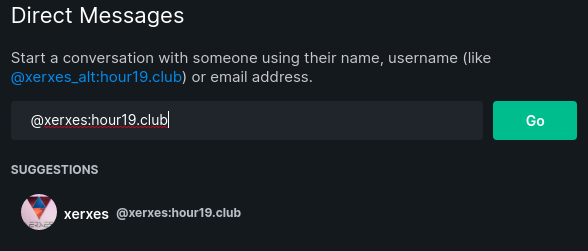
My username is xerxes (@xerxes:hour19.club); send me a message with any questions!